Din indkøbskurv
Der er ikke flere varer i din indkøbskurv
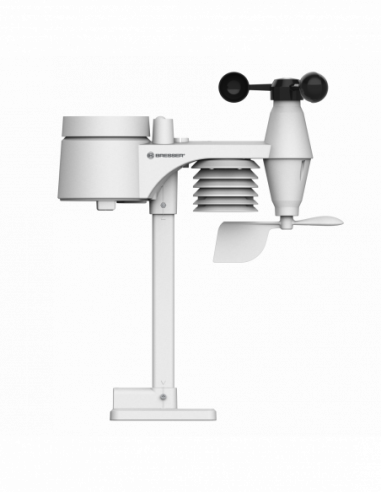

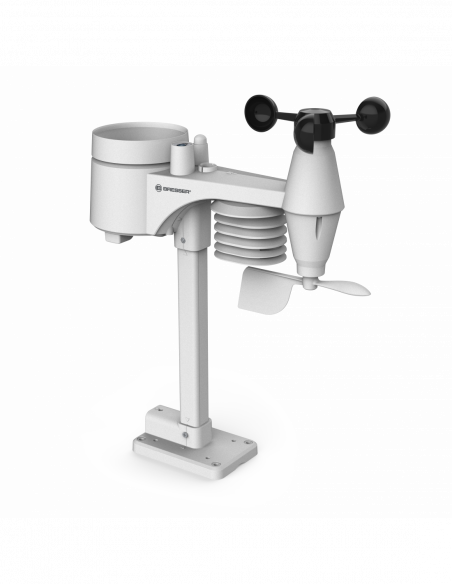
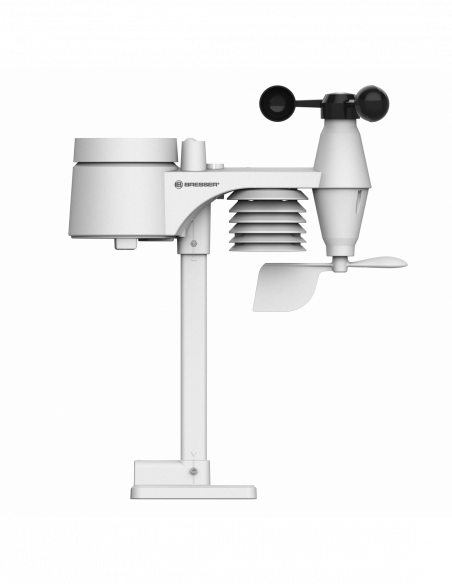

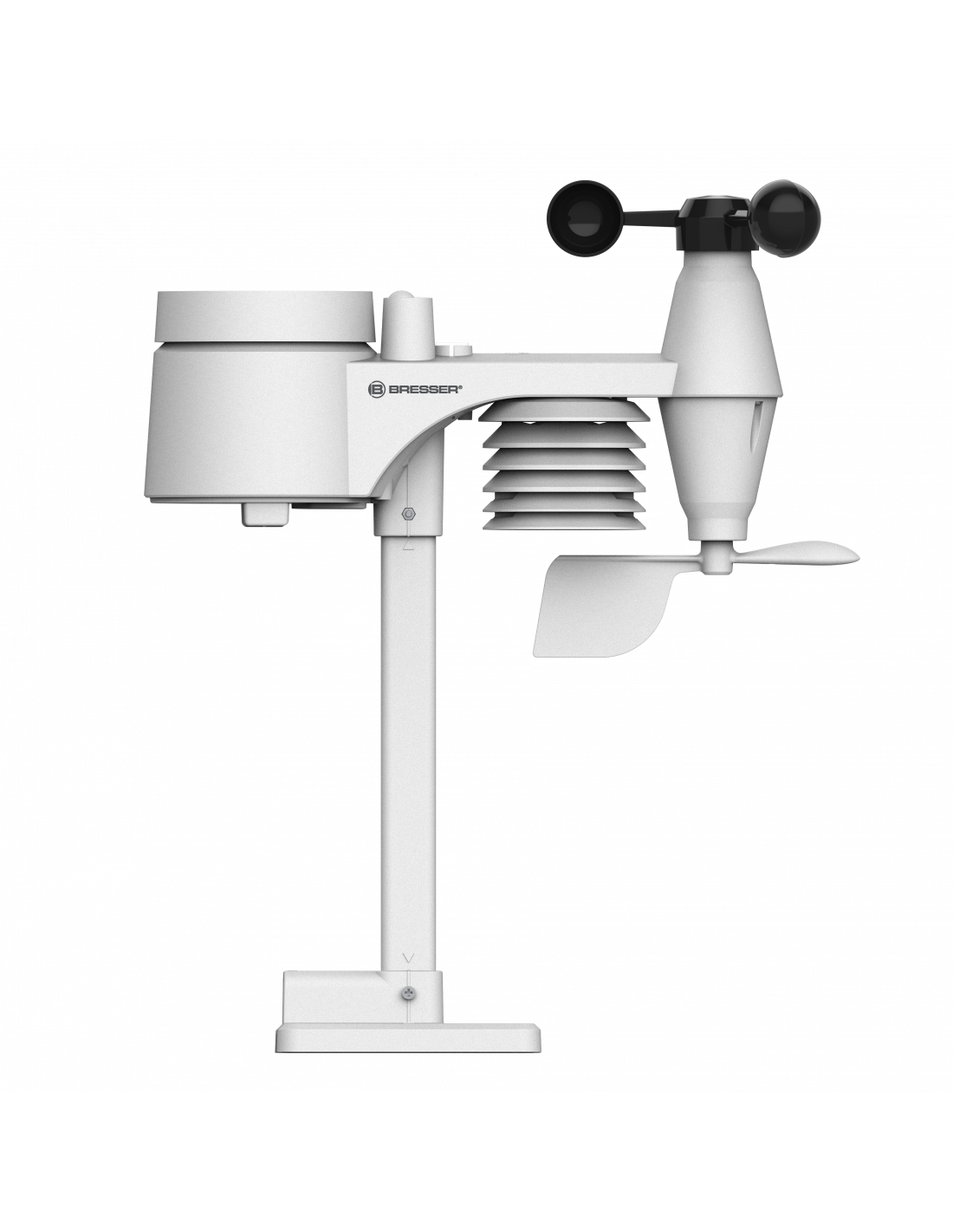

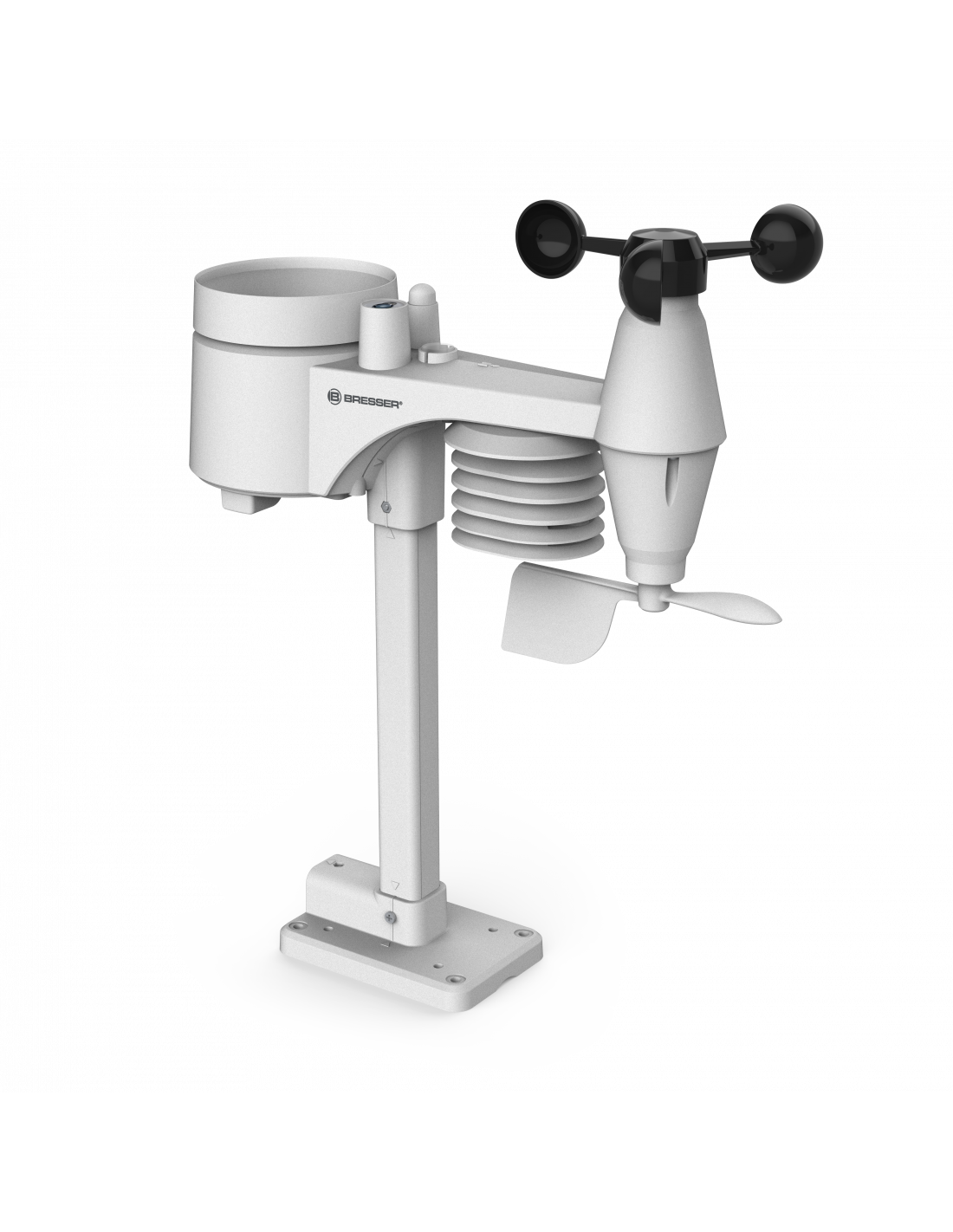
BRESSER 7-in-1 Outdoor Sensor for 7003300
Bresser
4007922072500
880,60 kr.
Inkl. moms
...2 - 7 Hverdages leveringstid
It's easily done: you've just moved house and want to move your 7-in-1 professional sensor for your BRESSER Wi-Fi Comfort weather centre to a new location. While attempting to move the sensor, you accidentally drop it and the sensor stops working. If this sounds like you, this 7-in-1 wireless sensor is just what you need for your weather station. The setup is the same as usual: simply insert the batteries (not included) and install your replacement sensor in the desired location using the mounting materials provided. Once you've installed the sensor, all you need to do is connect it to your existing base station (not included). Simply press the Wi-Fi/Sensor button on the base station, and the base station will search for the signal from your new outdoor sensor. The two devices will then automatically connect to each other. The local data from your sensor, including the outdoor temperature, humidity, wind speed, wind direction, rainfall, UV level and light intensity will appear on your elegant colour display.
_x000D_
_x000D_ Restore full functionality to your Wi-Fi Comfort weather centre with the 7-in-1 replacement sensor.
_x000D_
_x000D_ FEATURES_x000D_
_x000D_
_x000D_ Restore full functionality to your Wi-Fi Comfort weather centre with the 7-in-1 replacement sensor.
_x000D_
_x000D_ FEATURES_x000D_
- _x000D_
- Replacement wireless sensor, transmits data to the Wi-Fi Comfort weather centre _x000D_
- Measures the outdoor temperature and outdoor humidity _x000D_
- Measures the wind speed, wind direction and rainfall _x000D_
- Measures the UV level and light intensity _x000D_
- Transmission range of up to 150 metres _x000D_
- Place in an unobstructed location in order to obtain accurate sunlight and rain data _x000D_
- Power supply: 3x AA batteries (not included) _x000D_
- _x000D_
- Wireless sensor _x000D_
- Mounting materials _x000D_
- Base station is not included! _x000D_
- Instruction manual _x000D_
No reviews
Tap to zoom